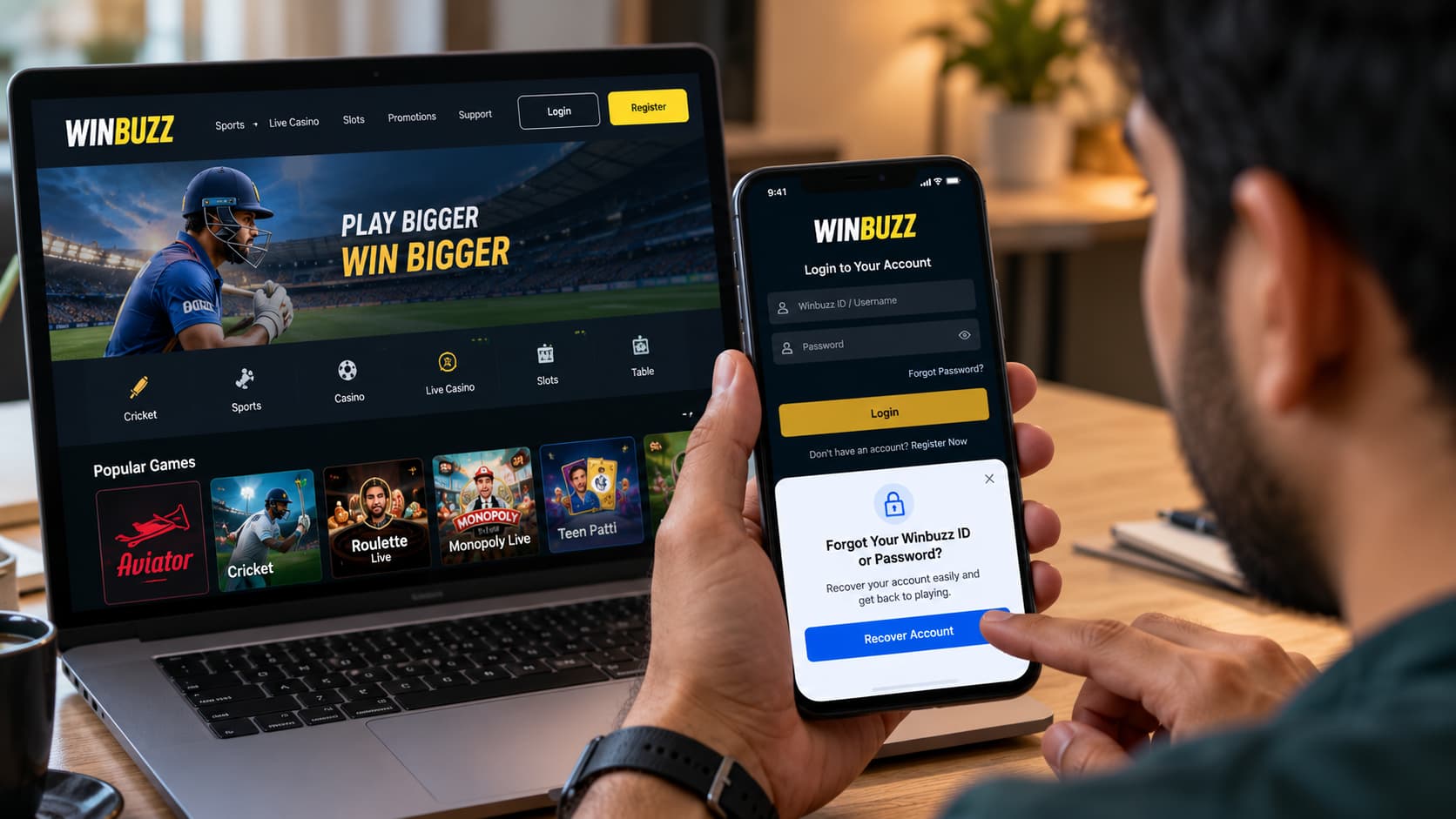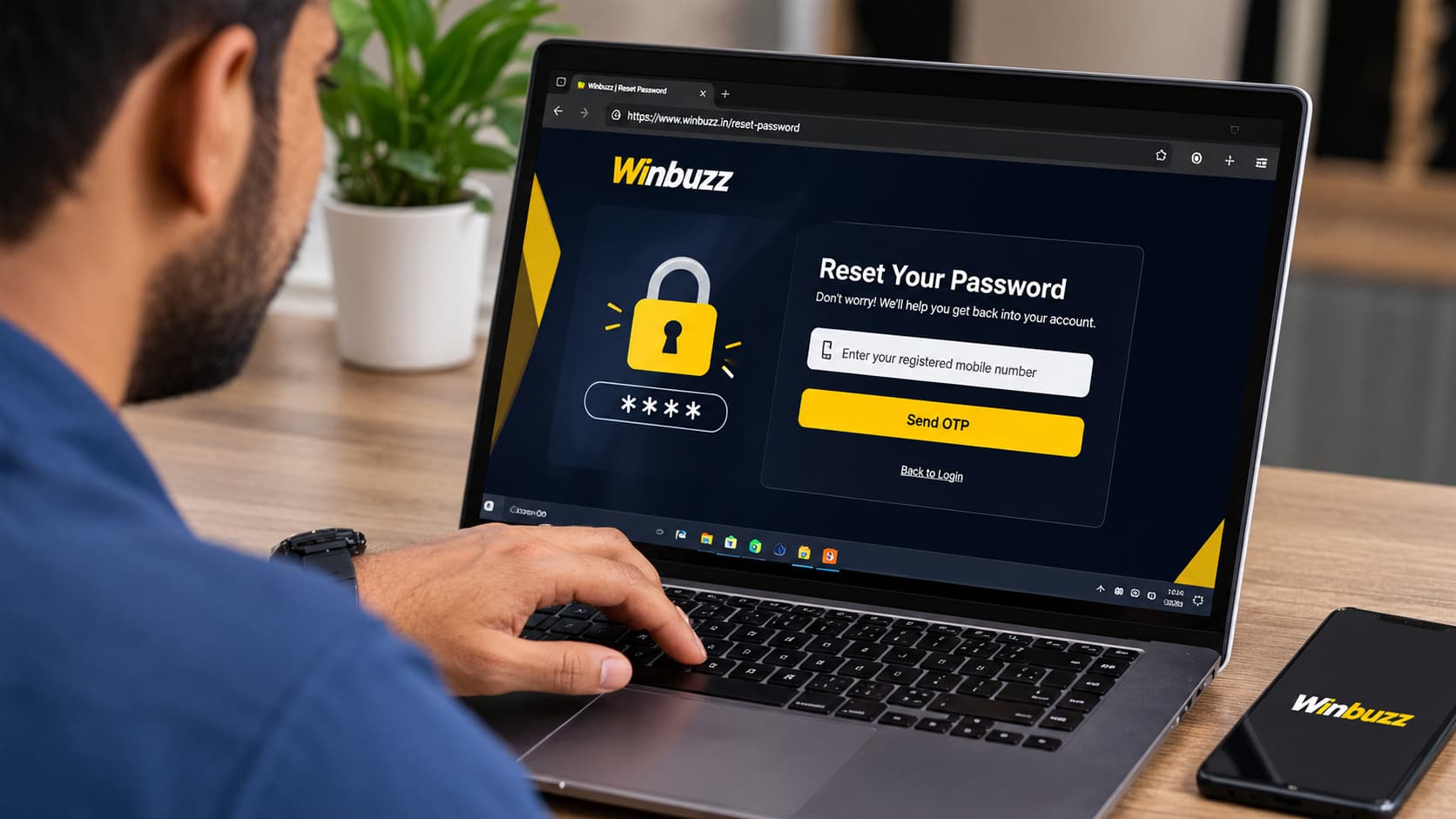
Keeping track of Winbuzz online transactions is important, especially when you use a Winbuzz Indian gaming platform where deposits, withdrawals and account balance changes may occur frequently. Whether you want to confirm a completed payment, review an old transaction or investigate an unexpected balance difference, your account statement can provide useful information.
For Winbuzz users, understanding transaction records can make account management easier and help identify possible payment discrepancies.
Imagine transferring money through UPI and receiving a successful payment notification, but the updated amount is not immediately visible in your Winbuzz gaming account. Instead of making another payment or assuming the first transaction failed, reviewing the available account statement is a sensible place to start.
In this guide, we explain what a Winbuzz account statement may contain, how to locate transaction records, what different transaction statuses mean and how to protect your Winbuzz ID while reviewing financial activity.
Read More<<<Winbuzz Account Verification: Step-by-Step Guide for New Users
What Is a Winbuzz Account Statement?
A Winbuzz account statement is a record of financial activity associated with a user’s gaming account, which is provided by the platform.
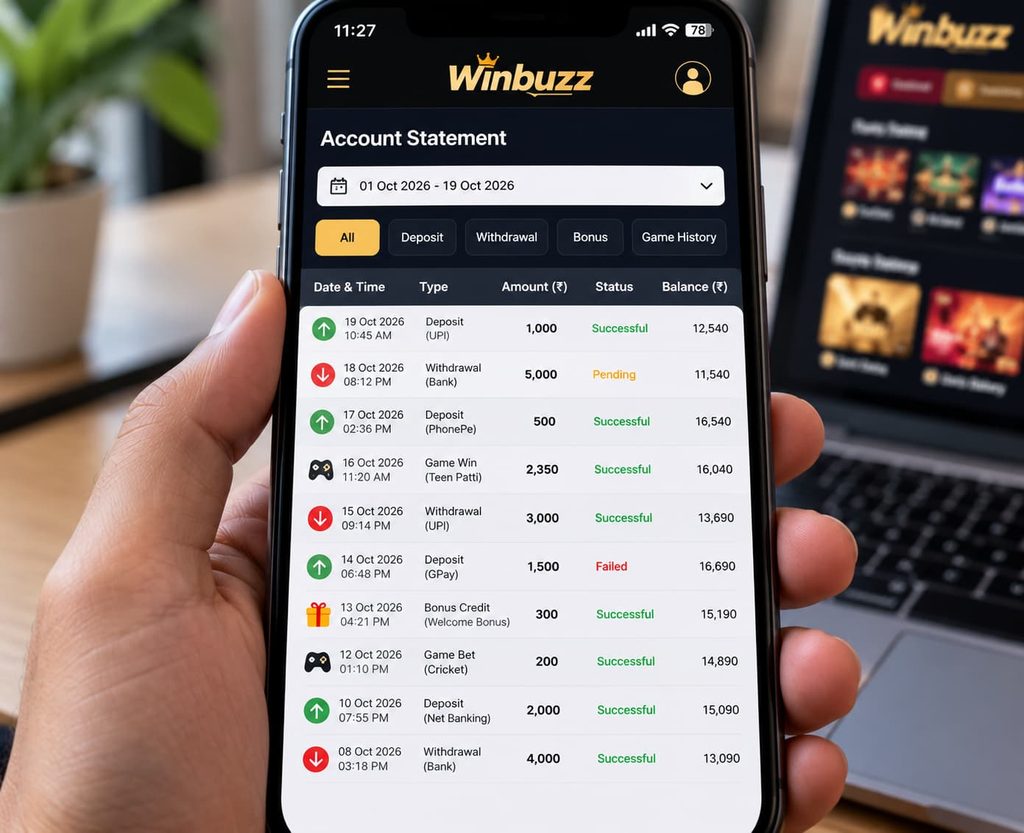
It may show information about deposits, withdrawals, account adjustments and other balance-related activities.
An account statement helps users understand when a transaction occurred, how much money was involved and whether the transaction was completed or remains unresolved.
Information You May Find in an Account Statement
| Transaction detail | What it means |
|---|---|
| Transaction date | The date when the activity was recorded |
| Transaction time | The time associated with the transaction |
| Transaction ID | A reference number used to identify a particular transaction |
| Transaction type | Deposit, withdrawal, adjustment or another account activity |
| Amount | The value associated with the transaction |
| Transaction status | Whether the transaction is successful, pending or failed |
| Opening balance | The account balance at the beginning of a statement period, if available |
| Closing balance | The account balance at the end of a statement period, if available |
The exact information displayed depends on the account statement features currently available on Winbuzz.
Why Checking Your Winbuzz Transaction History Matters
Many users review their account statements only when something goes wrong. However, checking transaction records regularly can help with everyday account management.
1. Track Deposits and Withdrawals
Your transaction history can help you compare deposits and withdrawals with the records provided by your bank or payment application.
This is particularly useful when you need to confirm whether a payment has been processed.
2. Identify Pending Transactions
A pending transaction does not necessarily mean that money has been lost.
Sometimes, processing or verification requirements can delay an account update. Reviewing the transaction record can help you understand whether the payment is still being processed.
3. Detect Unfamiliar Activity
If you notice a transaction you do not recognise, investigate it immediately.
Unexplained financial activity may indicate an account error, an unauthorised transaction or another issue requiring support.
4. Manage Your Gaming Spending
A transaction statement provides a clearer picture of how much money has moved into and out of your account.
Reviewing these records can help users monitor spending and maintain personal financial limits.
How to Check Your Winbuzz Account Statement: Step-by-Step Guide
The precise menu names and navigation options may differ depending on the version of the website or application.
The following steps describe a general approach to finding account statements on online gaming platforms. They should not be interpreted as a verified walkthrough of Winbuzz’s current interface.
Step 1: Access a Verified Winbuzz Website
Before entering any account credentials, make sure you are using a website you have independently verified.
Avoid login links shared through unknown Telegram groups, unsolicited WhatsApp messages or unfamiliar websites.
Fake gaming websites sometimes imitate genuine login pages to steal usernames and passwords.
Step 2: Complete the Winbuzz Login Process
Use the platform’s available login procedure to access your account securely.
Your Winbuzz ID may be associated with your username, mobile number or another registered identifier, depending on the account system.
Never share your password or OTP with anyone claiming to provide account assistance.
Step 3: Open Your Account Dashboard
After signing in, locate the account or profile section.
Look for a menu labelled something similar to:
- Account Statement
- Transaction History
- My Transactions
- Wallet History
- Payment Records
These are common industry labels; the exact Winbuzz menu has not been independently confirmed.
Step 4: Select the Transaction History Section
If an account statement section is available, open it to review financial activity.
Some platforms separate deposit transactions from withdrawal transactions, while others show them together in one statement.
Step 5: Choose a Date Range
Where filters are supported, select the period you want to review.
For example, you may wish to check today’s transactions, the past seven days or the previous month.
Choosing an appropriate date range can make it easier to find a particular payment.
Step 6: Review the Transaction Details
Compare the displayed amount, date, reference number and status with your bank or payment-app records.
If a transaction appears incorrect, save the relevant information before contacting verified support.
Read More<<<WinBuzz Plus APK Download 2026: Android Installation Guide
Understanding Winbuzz Deposit and Withdrawal Records
A transaction statement is easier to understand when you know what each status represents.
Successful Transaction
A successful status generally means the system has marked the transaction as completed.
However, this does not always confirm that a withdrawal has reached your bank account. Check the corresponding bank statement before treating the transfer as fully received.
Pending Transaction
A pending status usually means that processing has not finished.
Possible reasons include payment-provider delays, account verification requirements or temporary technical issues.
Avoid repeating a payment simply because the first one has not appeared immediately.
Failed Transaction
A failed status generally indicates that the requested transaction was not completed.
If your bank account was debited despite a failed status, contact the payment provider and platform support through independently verified channels.
Cancelled Transaction
A cancelled transaction may indicate that a request was withdrawn or discontinued before completion.
The treatment of the amount depends on the platform’s payment procedures and applicable terms.
Example of a Winbuzz Account Statement
The following table is a fictional example designed to explain how transaction records work. It does not represent actual Winbuzz account activity.
| Date | Transaction type | Amount | Status |
|---|---|---|---|
| 12 Oct 2026 | Deposit | ₹1,000 | Successful |
| 13 Oct 2026 | Withdrawal | ₹500 | Completed |
| 14 Oct 2026 | Deposit | ₹750 | Pending |
| 15 Oct 2026 | Withdrawal | ₹300 | Failed |
| 16 Oct 2026 | Account adjustment | ₹100 | Processed |
For example, if a ₹750 deposit appears as pending, you should check the corresponding payment-provider reference before taking further action.
A transaction status can help identify the issue, but it should not be used as the only evidence of payment completion.
Winbuzz Account Statement Not Showing? Common Problems and Solutions
Sometimes, users may be unable to find or view their transaction records.
Here are a few common situations and practical steps to investigate them.
| Problem | Possible explanation | Recommended action |
|---|---|---|
| Transaction history is empty | Incorrect date filter or no transactions in the selected period | Review the date range and available filters |
| Deposit not showing | Processing delay or account update issue | Compare payment records and retain the reference number |
| Withdrawal marked successful but not received | Banking or settlement delay | Check your bank statement and contact verified support |
| Transaction amount appears incorrect | Account adjustment or recording discrepancy | Save the details and request clarification |
| Account statement page is not loading | Network, browser or service issue | Check connectivity and try a supported browser |
| Unknown transaction appears | Possible unauthorised access or recording error | Secure the account and report the transaction |
What to Do If Your Winbuzz Deposit Is Missing
Payment discrepancies can be stressful, particularly when the money has already been deducted from your bank account.
If you encounter this situation, avoid making repeated payments without first checking the original transaction.
Check Your Payment Application
Open the UPI application or banking service used for the transaction.
Verify whether the payment is marked successful, pending or failed.
Locate the Transaction Reference
For UPI payments, the transaction reference or UTR number may help identify the transfer.
Record the exact amount, transaction date and payment status.
Compare With Your Winbuzz Account Records
If transaction history is available, check whether a matching deposit appears.
Remember that a successful bank debit and a completed gaming-account credit are separate records.
Contact Verified Customer Support
If the discrepancy remains unresolved, provide the necessary transaction information through an independently verified support channel.
Never share your UPI PIN, banking password or OTP.
Winbuzz ID Security: Protect Your Transaction Information
Financial account records often contain sensitive information.
When reviewing your Winbuzz ID activity, it is important to follow basic cybersecurity practices.
Use Strong Login Credentials
Choose a unique password that is not reused across banking, email and gaming accounts.
A reputable password manager can help you generate and store secure passwords.
Avoid Fake Winbuzz Login Pages
A website can use familiar branding and still be fraudulent.
Check the full domain name carefully before entering credentials.
Remember that an HTTPS connection does not prove that a website is official or trustworthy.
Do Not Share Transaction Screenshots Publicly
A payment screenshot may include personal information, bank references or other identifying details.
Only provide necessary information to a verified support representative, and redact sensitive details where appropriate.
Review Account Activity Regularly
Frequent reviews can help identify unexpected payments, account changes or unfamiliar activity.
If you suspect unauthorised access, change compromised credentials from a trusted device and investigate your account security.
Read More<<<How to Reset Your Winbuzz Password and Recover Your Account
Winbuzz Register: What New Users Should Know About Transaction Records
People searching for Winbuzz Register information should understand that registration and financial recordkeeping are separate parts of account management.
Before creating an account on any real-money gaming platform, review its published terms, account verification requirements, privacy policy and payment conditions.
Important questions include:
- Is the platform legally authorised to operate in your location?
- What age restrictions apply?
- How is personal information stored and processed?
- Are transaction records accessible?
- What payment fees or withdrawal conditions apply?
- How are disputes and payment errors handled?
- What responsible gambling controls are available?
Users should not assume that a website is legally authorised simply because it is accessible online.
In India, gambling laws and restrictions can differ by state and type of activity. Users should review the rules applicable to their location before considering real-money gaming services.
How Often Should You Review Your Winbuzz Account Statement?
There is no single schedule that works for everyone.
A reasonable practice is to check your transaction records whenever you make a financial transaction, notice a balance change or need to reconcile account activity.
You can also periodically compare your gaming account history with your bank statement.
A Simple Account Review Checklist
- Confirm that recorded transactions match your payment records.
- Check for unfamiliar deposits or withdrawals.
- Review pending transactions that remain unresolved.
- Save relevant transaction reference numbers.
- Monitor total deposits and withdrawals.
- Investigate unexplained account adjustments.
- Keep your login credentials secure.
These habits can improve financial awareness and help users identify potential problems earlier.
FAQs About Winbuzz Account Statements
1. How can I check my Winbuzz account statement?
Sign in through a verified Winbuzz website and look for an account statement, wallet history or transaction history section, if available. The exact navigation may vary depending on the platform interface.
2. Can I check Winbuzz transaction history using my Winbuzz ID?
A Winbuzz ID may be used to identify an account during login or support enquiries. Access to transaction records typically requires appropriate authentication and depends on the platform’s available features.
3. Why is my Winbuzz deposit not showing in my account statement?
Possible reasons include processing delays, payment verification issues or technical discrepancies. Compare your bank or UPI records with the account history and contact verified support if necessary.
4. What does pending mean in a Winbuzz transaction record?
Pending generally means that the transaction has not completed processing. The precise meaning and processing timeline depend on the platform and payment provider.
5. Can I download my Winbuzz account statement?
This depends on whether Winbuzz currently provides an export or download feature. If available, check the account statement area for a download option. Do not assume that such a feature exists without verifying it.
6. What should I do if my Winbuzz withdrawal is marked successful but the money has not arrived?
Check your receiving bank account, note the transaction reference and contact verified support. Do not make additional payments to release a withdrawal without independently confirming the requirement.
7. Is it safe to share my Winbuzz account statement?
Transaction statements may contain sensitive information. Share only the minimum details needed for a legitimate support enquiry, and never disclose passwords, OTPs or PINs.
8. Does Winbuzz Register automatically create transaction records?
Registration creates or initiates an account, depending on the platform’s procedures. Financial transaction records would generally be associated with subsequent eligible account activity rather than registration alone.
Keep Your Winbuzz Transaction Records Clear and Secure
Understanding your Winbuzz Account Statement can help you manage financial activity more carefully and investigate payment discrepancies with greater confidence.
Whether you are reviewing a completed deposit, checking a withdrawal status or looking into an unfamiliar transaction, accurate records make it easier to understand what happened.
Remember to access your account through verified channels, protect your Winbuzz ID, and keep supporting payment information secure.
For users researching Winbuzz Login or Winbuzz Register, account security, transaction transparency and clear payment policies should remain important considerations.
A well-organised transaction history is more than a list of payments. It is a useful record for managing spending, identifying discrepancies and maintaining control over your financial activity.
Need to investigate a transaction? Check your available Winbuzz account records, compare them with your payment provider statement, and contact verified support when information does not match